Open this official URL
Type in999-official.com yourself. Do not tap it from a forwarded WhatsApp status.
Official IN999 website · India
People search “IN999 login” when the app is slow, the password slips, or a clone site just asked for OTP. This page is the official desk: same yellow login screen you know, default country code +91, no one on Telegram collecting your PIN.
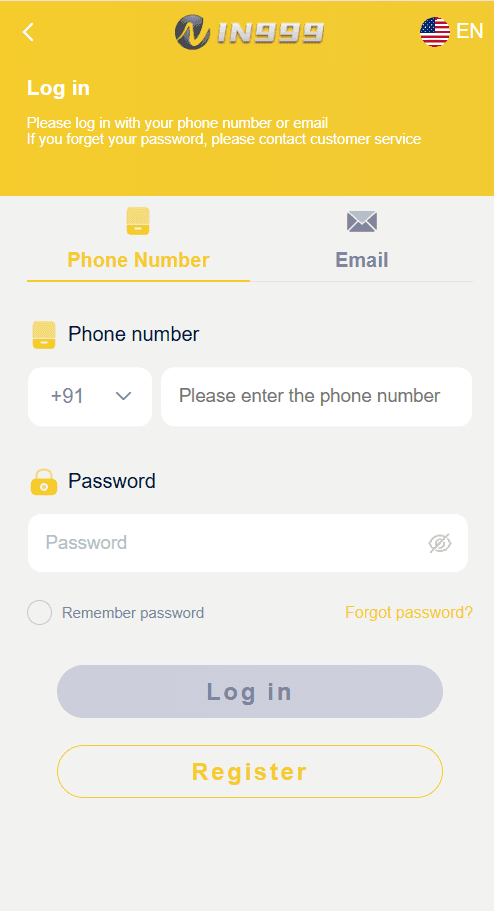
Deposits and login happen on in999-official.com or inside the official IN999 app. Binding bank or UPI details is done after you are signed in — never on a “verify now” link sent by a stranger.
DetailIN999 login kaise kare
One flow: register once with +91 or email, then login with the same details. The live app uses two tabs: Phone Number and Email. +91 is already selected. If a “login” page hides the country code or asks you to pay ₹99 to unlock the button, leave.
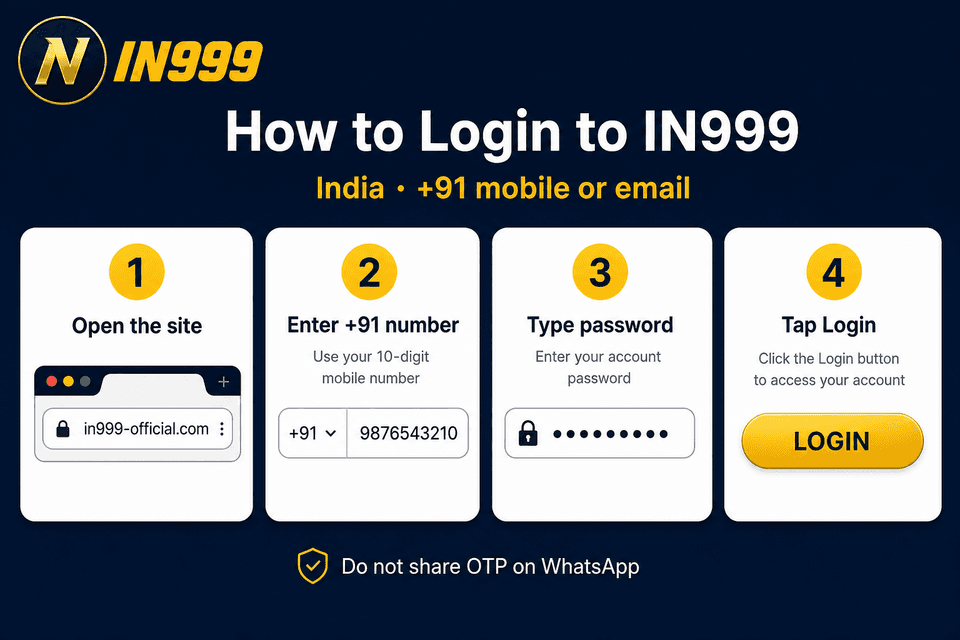
Type in999-official.com yourself. Do not tap it from a forwarded WhatsApp status.
Most Indian accounts sit on a 10-digit mobile. Email is the backup when the SIM is with someone else.
IN999 will never ask you to read an SMS OTP to a “manager”. Forgot password goes to customer care, not a random ID.
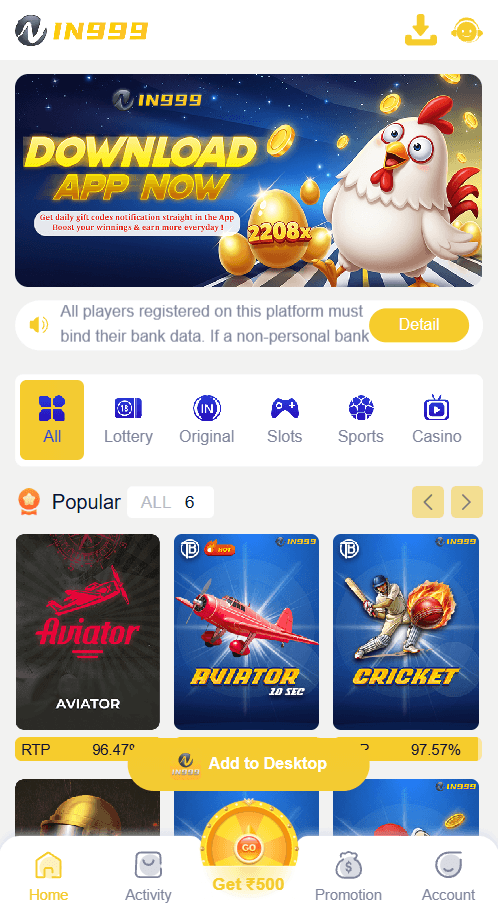
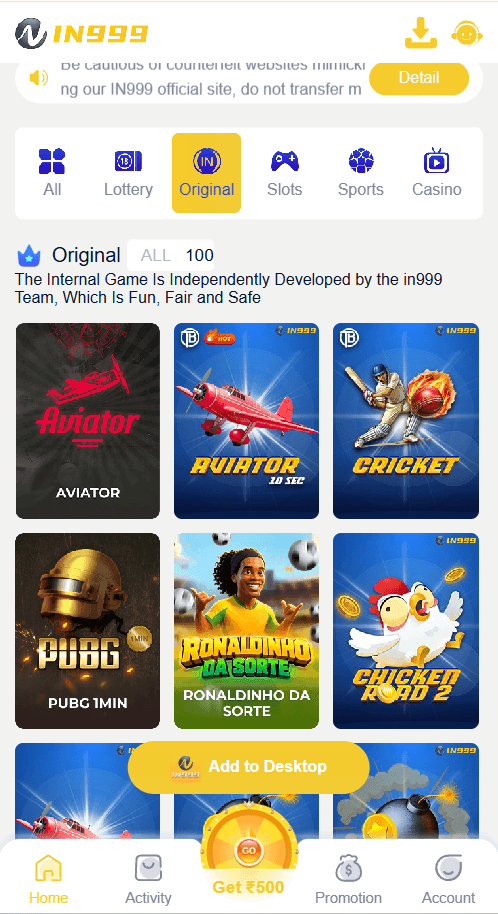
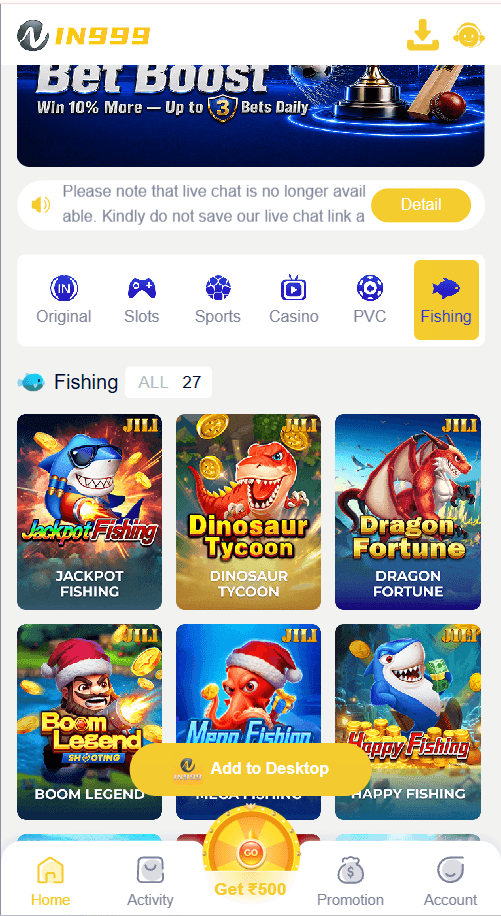
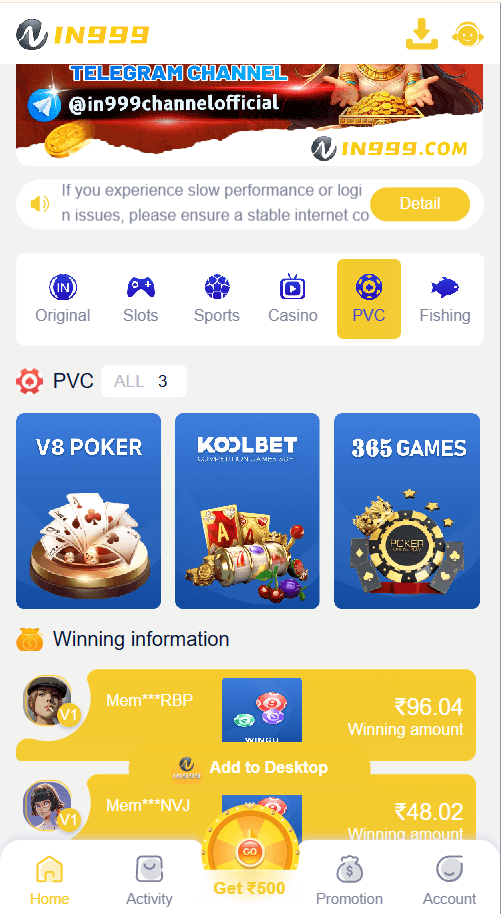
After login you land on Home: Lottery, Original, Slots, Sports, Casino, PVC, Fishing. RTP is shown on game cards.

Use the same +91 number or email you used at registration. If the password fails, do not type OTP into any chat app.
Open an IN999 account with your Indian mobile or email. You must be 18 or older.
New account
Registration is the same yellow screen as the app. Phone number, set password, confirm password. Invite code is optional. Fake desks often force a code so they can sit on your account. On the official flow you can leave it empty.
First-time players in India usually want cricket markets, Aviator-style originals, and a UPI withdrawal that actually arrives. None of that starts until login succeeds on this domain.
After you are in
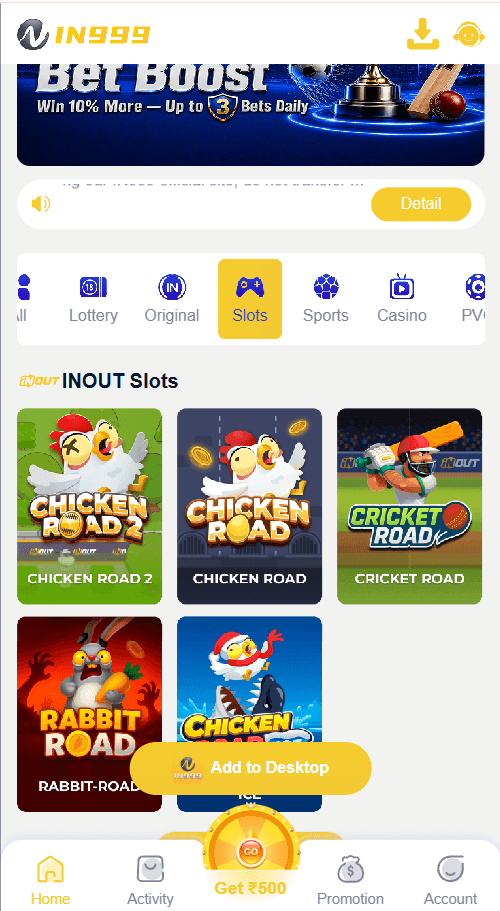
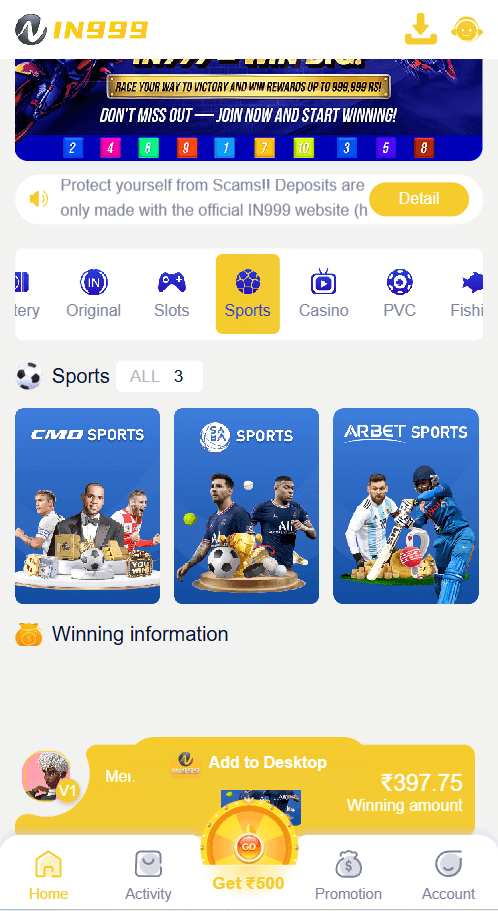
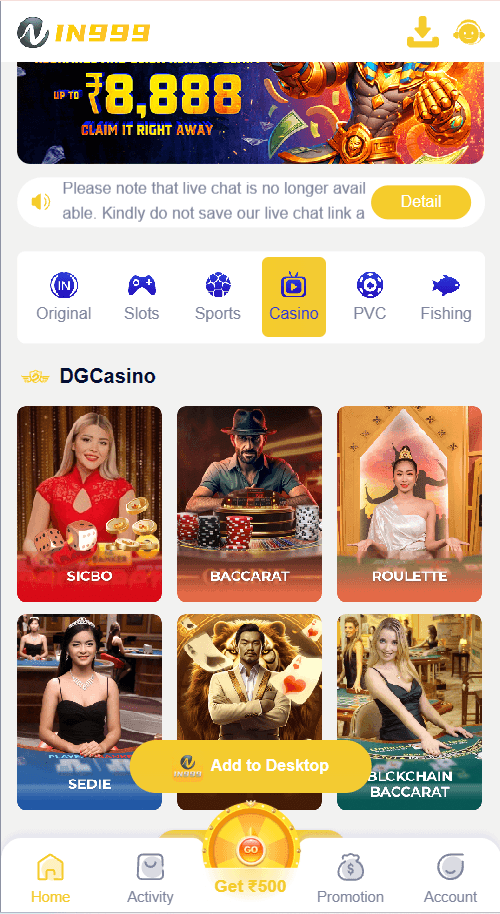
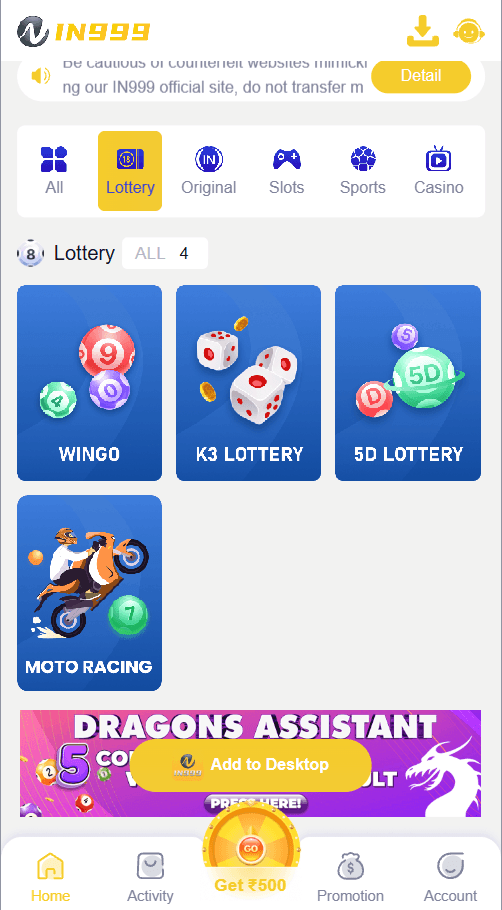
These are captures from the live IN999 lobby — the same lobby you reach after login. If a clone site shows a different colour, a different logo, or hides RTP, you are not on IN999.
Why this URL
in999-official.com is the name you type. Clones add extra words, extra hyphens, or a .shop domain and still print our yellow logo.
Login uses password. If someone says “send the SMS code, I will log you in”, that is account theft, not customer care.
The live app shows rupees, Indian cricket tiles, and +91 by default. A desk that starts on +1 or $ is not built for this market.
Short answers. If yours is about a stuck withdrawal or a lost SIM, use the contact page — do not paste your password there either.
Open in999-official.com, tap Login, keep +91 selected, enter your 10-digit mobile or the registered email, then the password. That is the whole flow. There is no extra “activation fee”.
Yes. Phone registration is the default. Use a number you control. If you lose the SIM, email login is the fallback — so add an email you still read.
Use Forgot password on the login desk or write to [email protected] from the same email / with the registered mobile. Do not reset via a Telegram “agent”.
This site is in999-official.com, the public login and register desk for IN999 Game in India. Check the address bar every time. We will never ask for UPI PIN.
No. On the official register screen the invite field is optional. A site that blocks the button until you buy a code is not this one.
The home lobby: Popular (Aviator, Cricket), Original, Slots, Sports, Casino, Lottery, PVC and Fishing. Amounts display in ₹.
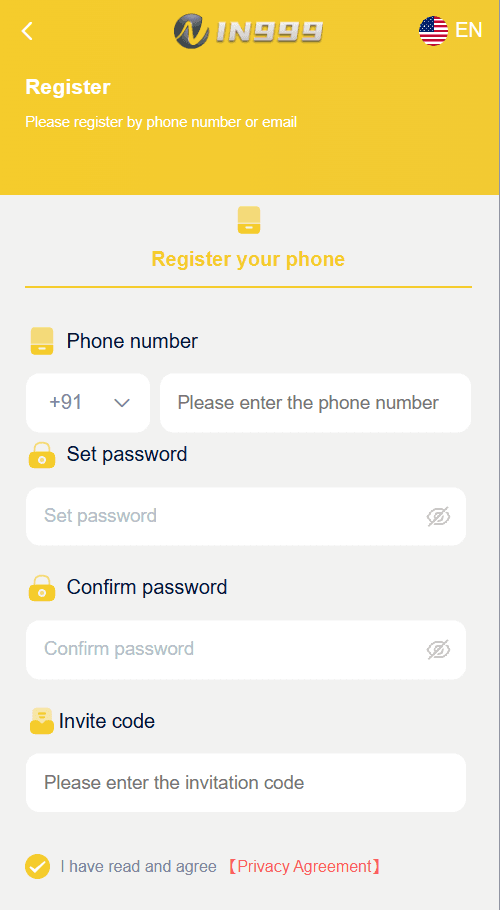
This is the official register layout. Privacy Agreement is a real link, not a locked checkbox you must pay to tick.
Open IN999 register